Menu
Residents browse daily menus and order food right from the app.
Speak2 Neighbors is a resident app and web portal that puts dining, events, service requests and neighbors in one easy place, and keeps your staff in the loop.
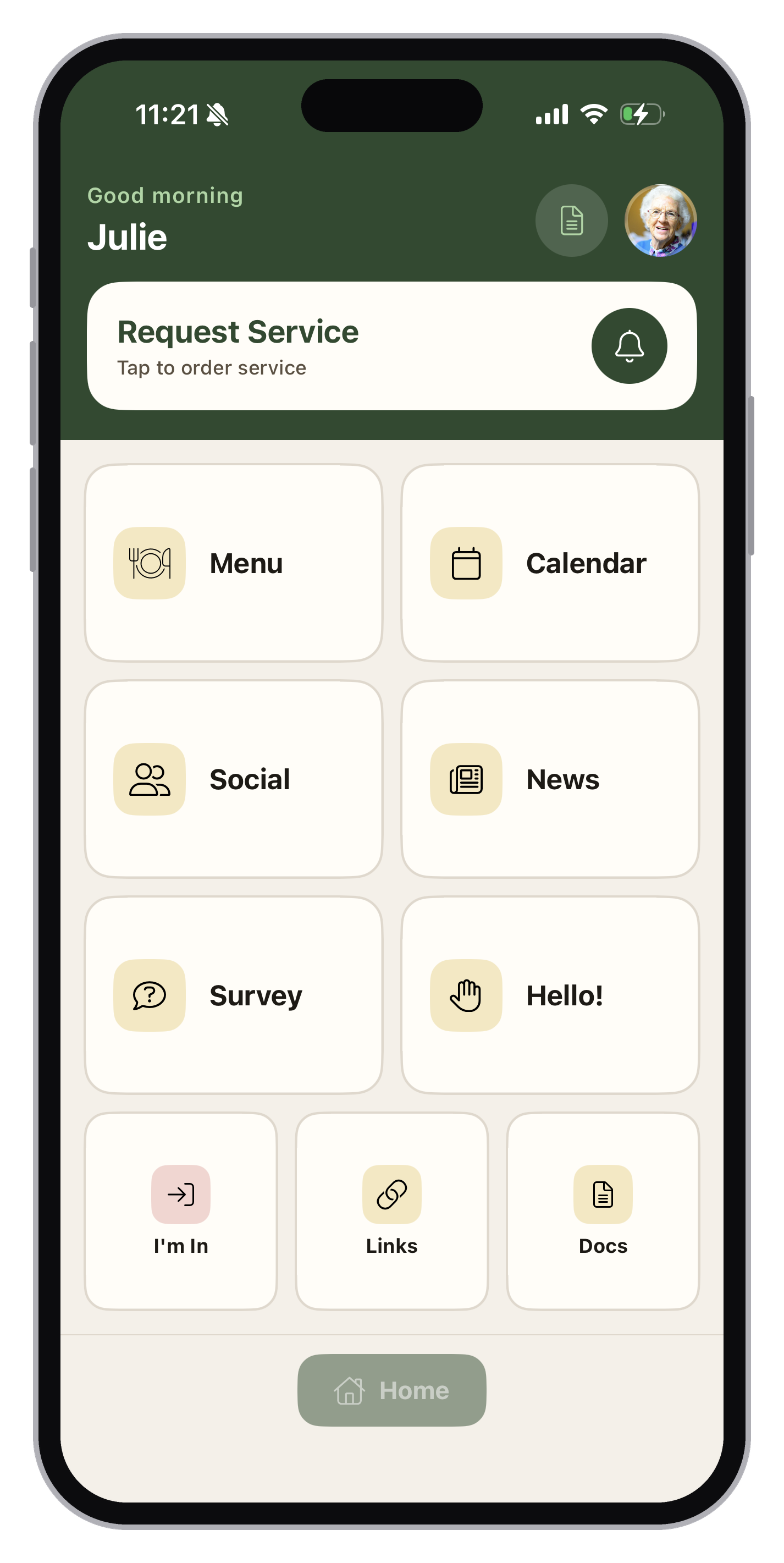
Large buttons and plain labels, with every part of community life one tap from the home screen.
Residents browse daily menus and order food right from the app.
Publish events once. Residents register in a tap or join the waiting list.
Residents share posts, join groups and find neighbors in the directory.
Post announcements that every resident sees from their home screen.
A daily check-in so your team knows residents are doing well.
Residents mark themselves in or out, so staff know who’s on site.
Ask a question of the day and collect resident feedback.
Share community and group documents and trusted websites in one place.
Housekeeping, maintenance, transportation, dining and more, organized by department. Residents track every request under Order Status and get a notification whenever your staff update it.
It’s the bar at the top of the home screen.
Front Desk, Maintenance, Housekeeping, Care, Valet and others.
Like “AC Issue” or “Change Filter.”
Now or scheduled, add-ons, notes and photos. Then Submit Request.
Residents who prefer a bigger screen get everything the app does in their web browser, with a menu on the left that’s always there. Plus a few extras:
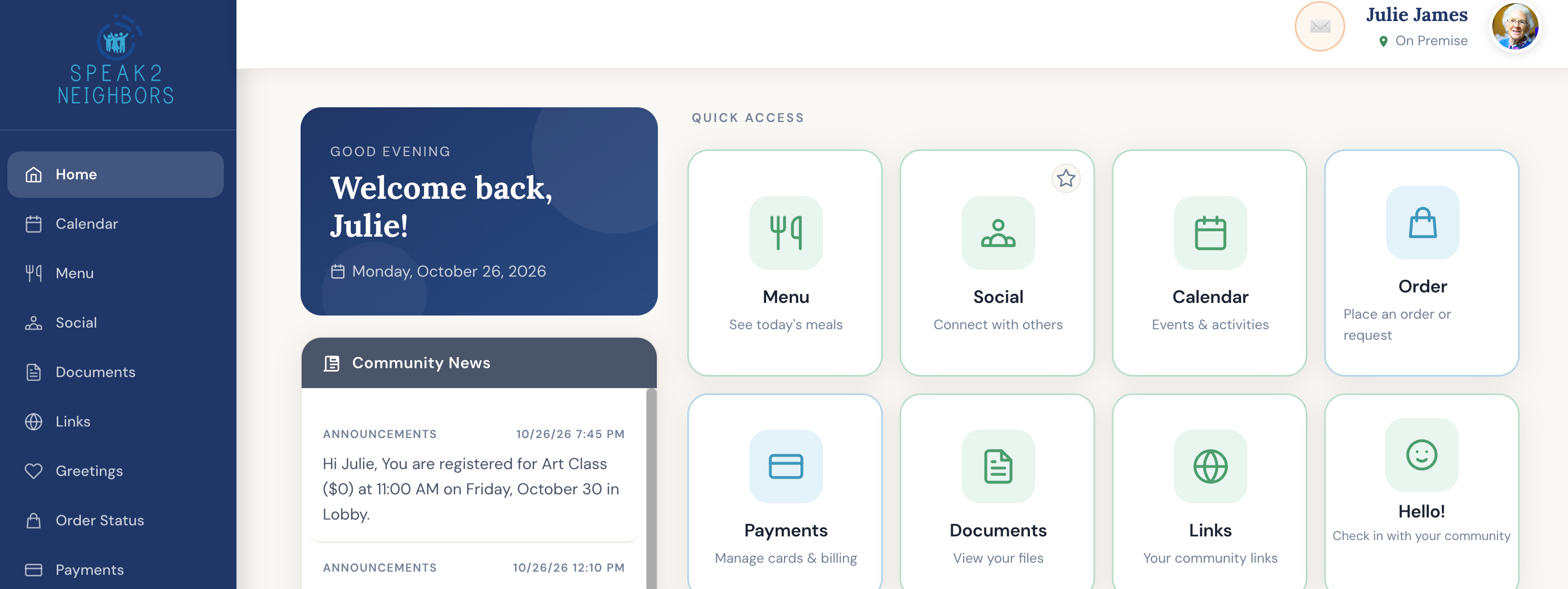
Speak2 Neighbors is a resident engagement app and web portal for senior living communities. Residents use it to view dining menus and order food, register for events, request services from staff, read community news and connect with neighbors.
Yes. Neighbors on the web includes everything the app does, plus month, week and day calendar views, document uploads and payment history.
Housekeeping, maintenance, transportation, dining and more, organized by department. Residents track each request under Order Status and get a notification when staff update it.
They open Calendar, choose an event and tap Register. If an event is full, they’re added to the waiting list.
Yes. Turning on Profile Privacy hides a resident from the community directory.
We’ll walk you through the resident app and web portal, and how it fits your team’s day.
Tell us a little about your community and we’ll be in touch.